
How to Search Cases by Name
A name search goes smoother once you know the court. The same name may show up in district, county-at-law, JP, municipal, and federal systems. It can appear in all of them at once. If a County Clerk or District Clerk index is the likely source, register for the Lubbock County Public Records Portal. The county asks you to validate your email within three days. The public landing page sits behind a login. Filter and search options appear only after sign-in. So trust the signed-in screen over any assumption about what a filter can do.
- Identify the court level and custodian before entering a name.
- Validate the portal account, then enter the last name and first-name initial if supported.
- Narrow by court, case category, filing date, or status only when those controls appear.
- Compare the case number, court, case type, and filing date before opening a result.
- Verify an important match with the clerk that holds the original Lubbock County file.
Names collide in a docket search. Spelling variants, initials, and shared family names all invite false matches. Run a case search only for your own matter. Never collect or post birth dates, Social Security numbers, protected addresses, or account numbers. The portal may offer no field for what you need. In that case, ask the clerk rather than guessing.
Lubbock County Case Portal
Registering for the county portal is free, but free does not mean anonymous. Every user must open an account and validate the email within three days. The index reaches County Clerk and District Clerk records. Attorneys, outside agencies, and justice partners can request elevated access. That access is separate from the ordinary public account. Public users get general case details, parties, attorneys, and scheduling information where available. The official entry point is the Lubbock County case-index portal. Its landing page shows the sign-in and registration screen.
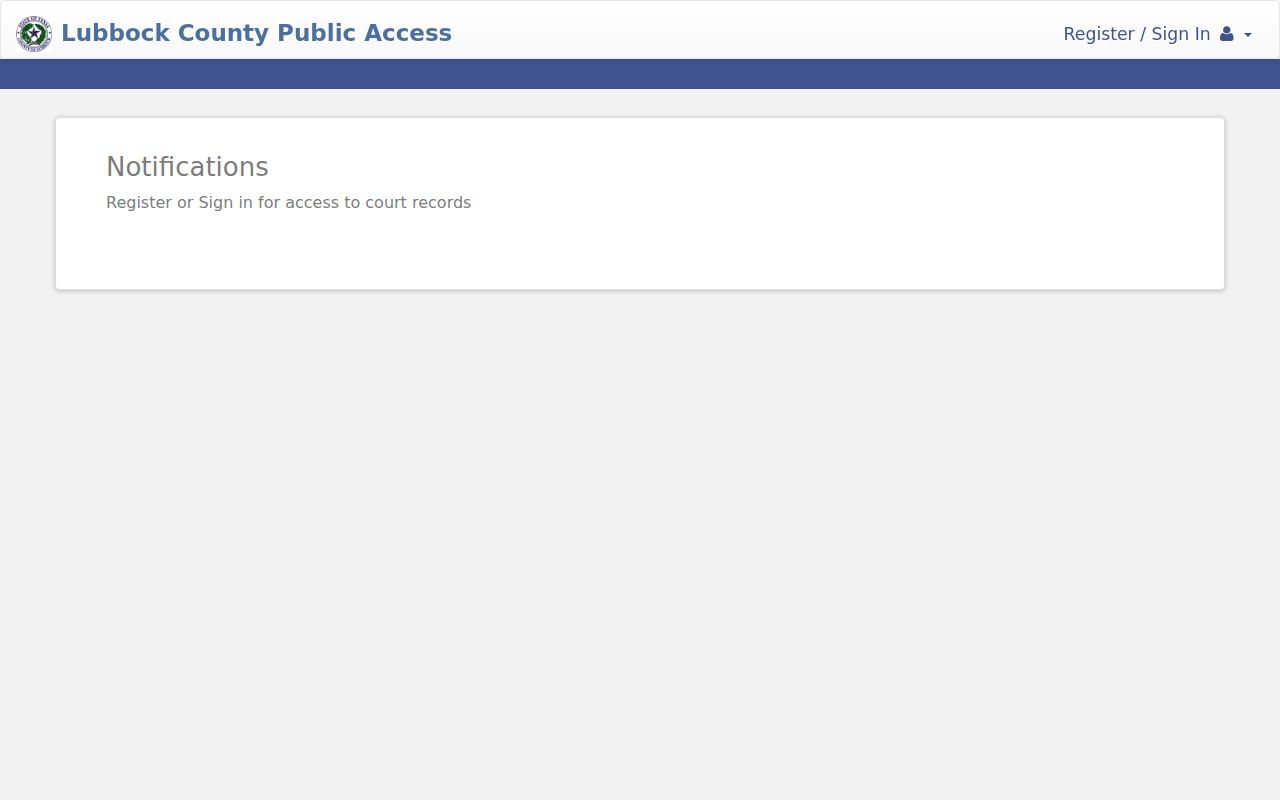
That page is just the entry point. Registration steps, filters, pagination, sorting, and export options can all change over time. Check the live interface before relying on any control. If a result will support a filing or research decision, save the source URL and the date you checked it.
Lubbock County Case Custodians
The District Clerk keeps district civil, felony criminal, family, adoption, and juvenile files. The County Clerk holds county-court-at-law civil, criminal, probate, mental-health, and guardianship files. Family stays with the District Clerk, though, even when a County Court at Law hears the case. Justice and municipal clerks each keep their own records. This map of offices beats a broad name search. It tells you which system can return the case and which clerk can hand over a filed document.
How to Search by Case Number
A case number is the strongest locator. It ties the lookup to a court's own identifier. Newer Lubbock District Clerk civil numbers use DC-YYYY-CV-XXXX, and family cases use DC-YYYY-FM-XXXX. The DC prefix marks the District Clerk format. The year is the filing year. CV or FM names the category, and the last segment is the sequence. Hyphens belong in the newer format.
Older Lubbock County records take a different eye. Numbers filed before August 2021 can appear as ten digits, such as 2015123456. Some older numbers carry an A suffix and no separators. Try the format exactly as printed on the original notice. Never insert hyphens into an older number. A valid number may still return nothing. Then confirm the custodian, court, and historical format with the District Clerk or County Clerk. A municipal citation, a JP case, a federal case, and a county case number live in different systems.
Keep the punctuation. In newer District Clerk numbers, omitted or moved hyphens can prevent an exact lookup.
Lubbock County Case Portal Choices
The county case index and the Tyler citation portal do different jobs. The Lubbock County Public Records Portal is the County Clerk and District Clerk case index. The separate Lubbock County citation portal offers search and payment modes for citations. The City of Lubbock runs another Tyler portal for municipal citations. A hit in one proves nothing about the other.
| Tool | Primary Use | Key Boundary |
|---|---|---|
| County Public Records Portal | County Clerk and District Clerk case index | No ordinary public document images; JP coverage is future |
| County citation portal | Citation and eligible payment lookup | Not the general clerk case index |
| City citation portal | City of Lubbock municipal citations | Not county district or county-at-law files |
Tyler's visible modes cover case number, driver license, vehicle information, name, and business name. Some modes ask for a birth date. Use only the mode your own matter requires. Never publish the identifiers you enter. Required-field behavior varies, so read each screen as it comes.
Lubbock County Case Search Fields
The signed-in field order on the public portal is not fixed public information. What the county does document is case number search, general case details, parties, attorneys, and scheduling information. Anything beyond that must be checked after sign-in. Promise yourself only what the screen confirms.
| Possible Locator | How to Use It | Verification |
|---|---|---|
| Case number | Enter the exact newer or legacy format | Match court and category |
| Party or style | Use spelling variants where supported | Compare dates and case type |
| Court | Select the exact division if offered | Confirm the custodian |
| Date | Use filing date for a new matter | Do not confuse it with a setting |
Search controls can shift with vendor updates. Treat any field inventory as a snapshot of one interface, not a permanent promise about the portal.
What a Case Search Shows
The Lubbock County index can show general case details. Parties, attorneys, and scheduling information may appear too. A docket detail may also line up filings and events in date order. Treat the result as an index. The county says ordinary public online access does not include document images. Does the text of a pleading, return, order, or judgment matter? Request it from the correct clerk.
| Case Number | The court-assigned identifier and best record locator. |
|---|---|
| Court | The district, county-at-law, or other court responsible for the file. |
| Style or Parties | The case caption and party roles, subject to restrictions. |
| Case Type | Civil, family, criminal, probate, guardianship, or another category. |
| Filed Date | The date the initiating paper entered the case, not a future hearing date. |
| Status | Active, disposed, dismissed, inactive, sealed, restricted, or archived where shown. |
| Settings | Future or past scheduled events, which may later be reset. |
A name on a charge tells you very little by itself. It does not prove guilt, liability, or how the case ended, so read the docket in order and find the disposition entry before drawing any conclusion. If a setting truly matters, confirm it through the Lubbock County court date channels, since the calendar can shift.
Lubbock County Case Document Limits
An index row is not the filed paper itself. Lubbock County states it plainly. Document images are not available through ordinary public online access, so the case lookup stops short of the actual filings. Some documents can be viewed at courthouse terminals, and the right clerk can quote your options for paper, digital, certified, or exemplified copies. Work from the docket first. Pull the document title and filing date before you ask for anything. Give the clerk just enough detail to find it, without piling on sensitive facts. No official county source promises one turnaround time for every request, so ask the office holding the record for its current estimate.
County vs Statewide Case Search
reSearchTX adds a statewide layer on top of any county search. Its official guide walks through a keyword bar. Filters cover location and case category, and tabs cover Cases, Filings, Text, and Hearings. Saved searches and export controls are documented too. Coverage still varies by court and category, though, and document access is uneven. Texas Judicial Council material describes a statewide repository. Yet criminal records sit outside the reported document total. Treat it as a supplement, never as a complete Lubbock criminal docket.
| Question | reSearchTX | Lubbock County Portal |
|---|---|---|
| Coverage | Participating courts across Texas | Lubbock County and District Clerk indexes |
| Best starting use | Statewide context or integrated filings | A known local clerk-held case |
| Access | Registered account; some fees may apply | Free registration with email validation |
| Limit | Coverage and documents vary | No ordinary public document images; no current JP coverage |
Check the county and the court before trusting any statewide match. A party name can match perfectly. It can still be the wrong case. When the outcome matters, verify against the originating clerk's docket. If exact language counts, request the filed document itself.
Lubbock County Record Search Boundary
The County Clerk runs a separate system called EagleWeb for recorded instruments, not court cases. That means land records, assumed names, marriage, death, and birth records, searched by grantor and grantee, document type, reception number, or date range. Those fields reach recorded instruments only. They never touch the court docket sitting in the Lubbock County case index. Knowing the split saves you a dead end. A deed or assumed-name filing lives in EagleWeb. County court cases go to the County Clerk index. District civil, felony, and family cases go to the District Clerk. Family records stay with the District Clerk even when a County Court at Law hears an allocated family matter. Pick the office first, then the tool.
Lubbock County Missing Search Results
A blank result does not mean the case does not exist. The record might sit in a JP or municipal court. It might carry a pre-2021 number style. It might fall in a restricted category, or hold a different spelling of the name. It might not even be a county matter. Federal district and bankruptcy cases run through PACER. They carry their own court identifiers, not the county portal. Check the notice, the filing stamp, and the citation issuer. Then check the court name before repeating the same search.
- Confirm the court and custodian shown on the original record.
- Retry the exact case number, preserving older or newer punctuation.
- Use spelling variants and a small filing-date range for a name search.
- Call the JP or municipal clerk when that court owns the docket.
- Ask the District Clerk or County Clerk whether the case is historical or restricted.
For the District Clerk public terminal and archives, go to Room 105 at 904 Broadway, call 806-775-1322, or email dcarchives@lubbockcounty.gov. The County Clerk route is Room 207, 806-775-1048, or countyclerk@lubbockcounty.gov. Mail and counter access are documented for both offices, and you should never email needless personal identifiers.
Restricted Cases and Access Rules
Not every Lubbock County case is open. Some files are sealed, restricted, redacted, or confidential, and each label carries its own rule. Texas Rule of Civil Procedure 76a governs sealing within its scope. Rule 21c covers sensitive data in filings. Texas Family Code Chapter 58 shields juvenile records. Its special confidentiality rules mean a juvenile file at the District Clerk is not an ordinary public lookup. A blank or blocked result can be a lawful access status rather than a glitch. Texas Government Code section 552.0035 draws one more line. Under it, the judiciary is not an executive agency. The Texas Public Information Act does not treat it that way. Case records flow through the clerk, the applicable statutes, court rules, common law, and court orders instead. Rule 21c's neighbor is Rule 12. That rule generally addresses non-case judicial administrative records and offers an appeal to the Office of Court Administration after a denial. That appeal is no shortcut around clerk procedures for pleadings or dockets.
Request the right record. Give the custodian the court, case number, record type, date range, desired format, and lawful access basis. Ask for the rule or order behind any denial.
Never try to rebuild sealed content from another source. If you are eligible for access, contact the office holding the record or your counsel. Explain fields with non-identifying examples, and verify anything public with the originating court.